
Kiosk-Based Checkout Systems for Corporate Cafeterias: Benefits & Challenges
Inroduction
Corporate cafeterias are rapidly evolving toward faster, smarter, and more automated dining experiences. One of the biggest workplace dining innovations in 2026 is the adoption of self service ordering kiosk systems.
Modern organizations are implementing kiosk-based checkout systems to reduce queues, improve cafeteria efficiency, and create seamless employee dining experiences. These smart kiosks help businesses manage high employee footfall while improving order accuracy and operational control.
From touchless cafeteria solutions to advanced cafeteria ordering kiosk software, self-service technologies are reshaping workplace dining environments across industries.
What Is a Self-Service Ordering Kiosk System?
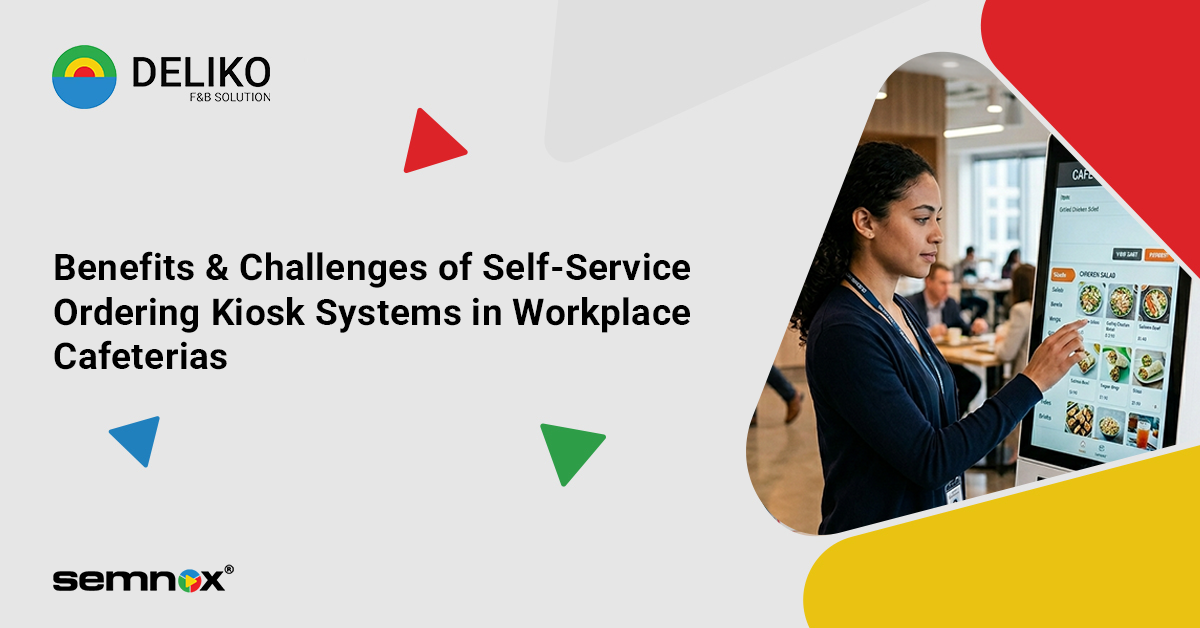
A self service ordering kiosk system is a digital ordering and checkout solution that allows employees to place food orders independently without relying on manual cafeteria counters.
A modern cafeteria self checkout system typically includes:
- Digital menu browsing
- Meal customization
- Contactless payment support
- QR or RFID authentication
- Order tracking
- Automated billing integration
These systems simplify cafeteria operations while improving speed and convenience for employees.
Why Corporate Cafeterias Are Adopting Self-Serve Kiosks
The demand for faster and more efficient workplace dining is driving the adoption of corporate cafeteria kiosks.
Businesses are implementing kiosk systems to:
- Reduce long lunch-hour queues
- Improve order accuracy
- Minimize manual intervention
- Speed up employee service
- Support cashless dining experiences
- Improve operational efficiency
Modern workplace dining kiosk technology helps organizations manage cafeteria operations more effectively during peak hours.
Key Features of Modern Self Ordering Kiosks
Today’s self service ordering kiosk systems come with advanced capabilities designed for modern workplace cafeterias.
Touchless Ordering
Employees can place orders using fully touchless cafeteria solutions with QR scanning and mobile integration.
Cashless Payments
Modern kiosks support:
- RFID cards
- UPI payments
- NFC tap-to-pay
- Mobile wallets
- QR code transactions
Real-Time Menu Updates
Cafeterias can instantly update:
- Menu items
- Pricing
- Availability
- Meal combinations
Integrated Reporting
Advanced cafeteria ordering kiosk software provides real-time analytics, transaction tracking, and sales reports.
Kitchen Integration
Orders are automatically synced with kitchen displays to improve preparation speed and accuracy.
Benefits of Kiosk-Based Checkout Systems in Corporate Cafeterias
Faster Employee Service
One of the biggest advantages of kiosk-based checkout systems is reduced waiting time during busy lunch breaks.
Improved Order Accuracy
Employees can customize and review their orders directly, reducing manual ordering mistakes.
Reduced Queue Congestion
A corporate cafeteria kiosk allows multiple employees to place orders simultaneously, minimizing crowding.
Better Operational Efficiency
Self-service systems reduce dependency on manual billing counters and optimize staff productivity.
Contactless Dining Experience
Modern touchless cafeteria solutions improve convenience while supporting hygienic workplace dining practices.
Centralized Management
Businesses can monitor cafeteria performance, sales, and employee dining behavior using integrated dashboards.
Challenges of Implementing Self-Serve Kiosks
While self service ordering kiosk systems offer several advantages, organizations may face certain implementation challenges.
Initial Setup Costs
Deploying modern kiosk infrastructure requires upfront investment in hardware and software.
Employee Adaptation
Some employees may initially require assistance in using self-service systems.
System Integration Complexity
Integrating kiosk software with HRMS, ERP, payroll, and cafeteria management platforms may require technical customization.
Maintenance & Technical Support
Organizations need ongoing software updates and hardware maintenance to ensure uninterrupted operations.
Network Dependency
Cloud-based kiosk systems require stable internet connectivity for real-time synchronization.
Self Ordering Kiosk vs Traditional Cafeteria Checkout
|
Feature |
Self-Service Kiosk |
Traditional Counter |
|
Ordering Speed |
Faster |
Slower |
|
Queue Management |
Efficient |
Congested |
|
Payment Experience |
Contactless & Digital |
Mostly Manual |
|
Staffing Requirement |
Lower |
Higher |
|
Order Accuracy |
High |
Moderate |
|
Reporting & Analytics |
Real-Time |
Limited |
Modern cafeteria self checkout systems provide better scalability and operational visibility compared to traditional cafeteria setups.
Best Use Cases for Self-Service Ordering Kiosks
A self service ordering kiosk system is ideal for:
- Large corporate offices
- IT campuses
- Manufacturing units
- Business parks
- Multi-floor cafeterias
- Co-working spaces
- Educational institutions
Organizations managing high employee footfall benefit the most from automated cafeteria systems.
Future Trends in Corporate Cafeteria Kiosks
The future of workplace dining kiosk technology will focus on:
- AI-powered meal recommendations
- Facial recognition payments
- Voice-enabled ordering
- Smart inventory integration
- Personalized employee dining experiences
- Fully automated cafeteria ecosystems
As workplace dining evolves, kiosk systems will continue becoming more intelligent and data-driven.
How to Choose the Right Self Service Ordering Kiosk System
When selecting a self service ordering kiosk system, businesses should evaluate:
Ease of Use
The interface should be simple and employee-friendly.
Payment Compatibility
Ensure support for RFID, UPI, mobile wallets, and touchless payments.
Integration Support
The kiosk should integrate with:
- HRMS software
- Payroll systems
- ERP platforms
- Inventory systems
Reporting Features
Look for advanced analytics and cafeteria performance reporting.
Scalability
Choose a platform that supports multiple cafeteria locations and future expansion.
Vendor Support
Reliable technical support and software maintenance are essential for smooth operations.
Why Businesses Are Investing in Self-Serve Kiosks in 2026
Organizations are increasingly investing in kiosk-based checkout systems to improve workplace efficiency and employee experience.
Key reasons include:
- Faster cafeteria operations
- Reduced manual dependency
- Improved employee satisfaction
- Better operational analytics
- Increased payment flexibility
- Smarter workplace automation
Modern corporate cafeteria kiosks are becoming a key part of digital workplace transformation strategies.
Conclusion
The adoption of self service ordering kiosk systems is transforming workplace dining in 2026.
From reducing queues to enabling touchless cafeteria solutions, modern kiosk technologies help businesses create faster, smarter, and more efficient cafeteria environments.
Organizations investing in advanced cafeteria ordering kiosk software and kiosk-based checkout systems can improve employee convenience, optimize operations, and support scalable workplace dining management.
As digital transformation continues across workplaces, self-service cafeteria technologies will play a major role in shaping the future of corporate dining.
FAQs
1. What is a self service ordering kiosk system?
A self service ordering kiosk system is a digital solution that allows employees to place food orders and complete payments independently within a cafeteria.
2. How do kiosk-based checkout systems improve cafeteria operations?
Kiosk-based checkout systems reduce queues, improve order accuracy, speed up service, and enhance operational efficiency.
3. What are touchless cafeteria solutions?
Touchless cafeteria solutions enable employees to order and pay using contactless technologies such as QR codes, RFID cards, NFC, and mobile wallets.
4. What features should a cafeteria ordering kiosk software include?
A modern cafeteria ordering kiosk software should include digital menus, contactless payments, reporting, kitchen integration, and real-time analytics.
5. Are self-service kiosks suitable for large corporate cafeterias?
Yes, corporate cafeteria kiosks are ideal for organizations managing high employee footfall and multiple dining counters.
6. Can kiosk systems integrate with HR or payroll software?
Yes, modern kiosk systems can integrate with HRMS, payroll, ERP, and access control systems.
7. Why are businesses investing in workplace dining kiosk technology?
Businesses are adopting workplace dining kiosk technology to improve efficiency, reduce manual operations, and create better employee dining experiences.

As a highly experienced thought leader in the hospitality industry, Suresh Kumar carries a unique combination of global experience and multi-industry specialty. With 15 years of experience as the marketing head and director of Lucid IT Solutions and seven years of directing sales at Pazo, Suresh has especially honed skills with F&B and restaurant POS — skills that make him an irreplaceable asset at Semnox. Now, he spearheads the realm of cafeteria management solutions through seamless business operations and collaborative development.